
The 80% AI Workflow That 5x'd My Output
How I went from 20% AI assistance to 80%, and what I learned about not losing control.
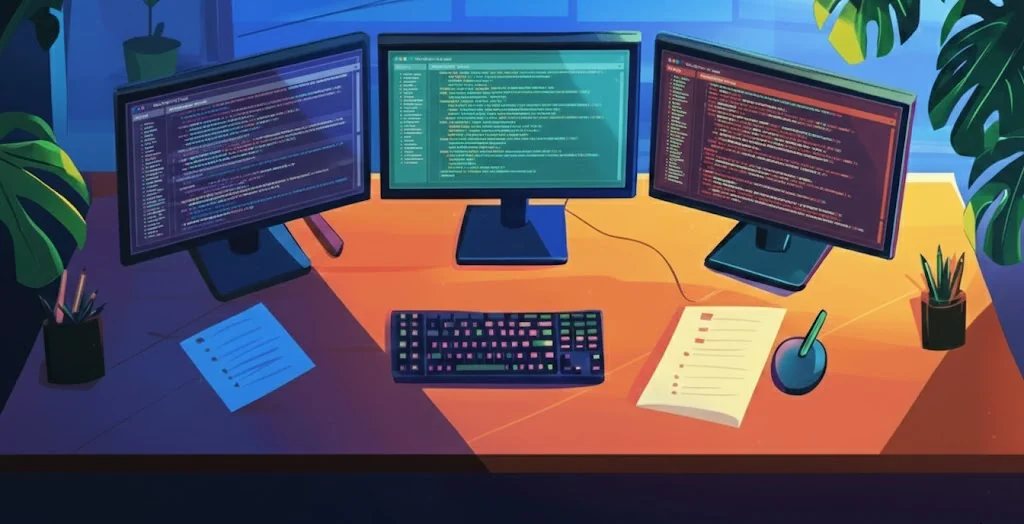
Disclaimer: If you’re deep into vibe coding, you probably have a similar setup already. Most of this isn’t revolutionary. But if you’re earlier in the journey, or curious what “80% AI work” actually looks like day-to-day, maybe there’s something useful here.
The Starter Pack
Before I get into the parallel instance chaos, here’s what I’d recommend anyone serious about vibe coding to start with first. A lot of vibecoders currently use Claude Code via CLI or OpenCode with a similar coding agent like Codex, Gemini, etc. in their (IDE) terminal; currently I am using Claude Code 90% of the time. In addition, I recommend this setup:
1. Spec-driven development with speckit
Instead of jumping straight into implementation, speckit walks you through planning, clarification, and task breakdown stages where you can intervene. It’s better than Claude Code’s built-in planning mode: better stages, better structure, better editability. And if implementation goes sideways, the spec becomes your checkpoint to revert to.
2. Code review agents in CI
Tools like CodeRabbit or Cursor BugBot catch issues before they make it to production. Their suggestions are maybe 50-70% correct on average, and they also catch bugs you’d never spot in normal reviews. I would only use one agent however, else you end up with a lot of duplication and even infighting.
3. Strong typing and linting
Sounds boring, but it’s essential. In TypeScript: Biome with strict settings and typecheck. In Python: Pyright and Ruff. This captures A LOT of errors. And you end up with a cleaner codebase, which becomes the blueprint for the next iteration. Code quality correlates with production robustness and AI output quality.
The Parallel Setup
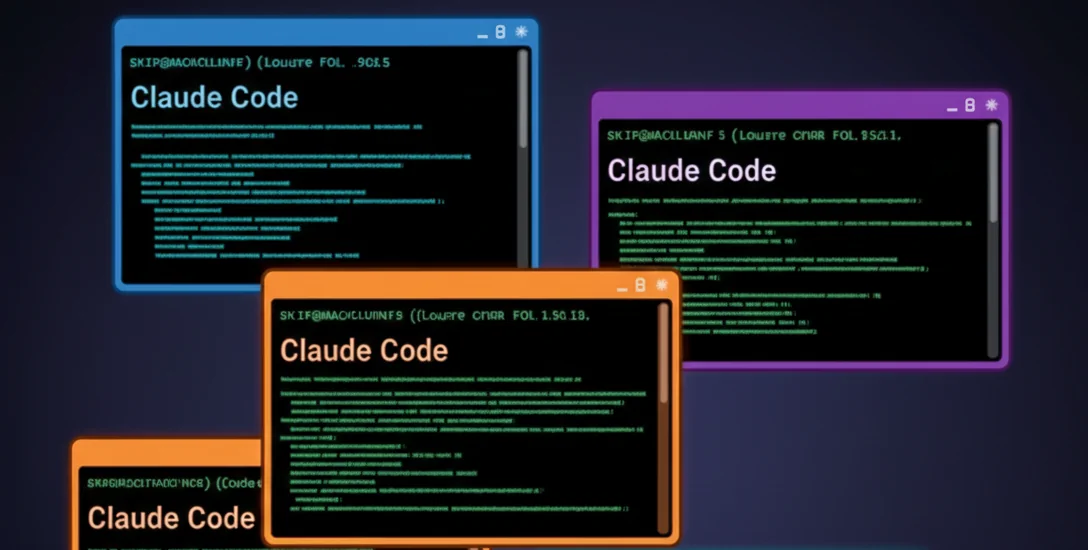
Once you’re comfortable with the basics, you can start scaling into a parallel setup.
I run 4 Claude Code instances in parallel, each in its own IDE window via Git worktrees. Two extensions make this manageable:
- Git Worktree Manager (jackiotyu) lets you spin up isolated worktrees with shared config. You can define which files get copied over (like
.envvariables) so each worktree is a full working setup. - Peacock (johnpapa) colors each VS Code window differently.
And yes, I keep a paper sheet on my desk tracking which color is working on which feature.
To minimize the monitoring, I have a Claude stop hook that sends a desktop notification when an instance needs input. This flashes the taskbar and fires a toast notification. So I only get pulled in when I’m actually needed.
Automating the Review Loop
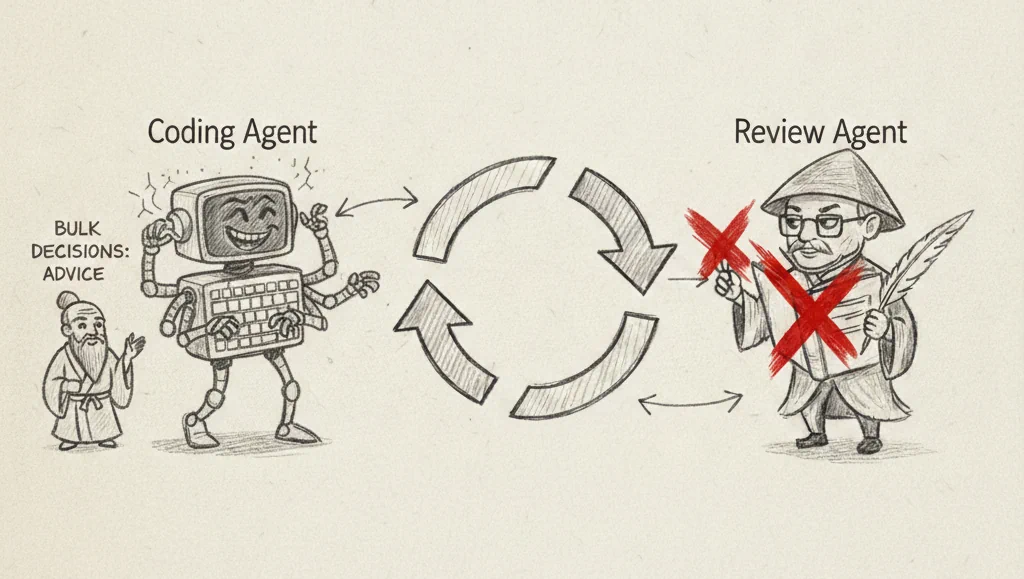
Once you’re running parallel instances, the manual back-and-forth with code review agents starts eating your time. Reading each comment, copying relevant bits, discussing with your coding agent, resolving threads one by one. It adds up.
So I built an autonomous review loop where the review agent and my coding agent go back and forth automatically, only pulling me in when there’s an actual decision that needs human judgment. Automating that loop saved me roughly 15% of my working time. When you’re trying to scale yourself, you need to give away the things that aren’t providing enough value and minimize context switches.
How the Day Plays Out
My mornings start with a quick mini-sprint: which features today, what can run in parallel, how can I scope things smaller. I keep a short task list, maybe 1-2 days ahead. If something isn’t done by then, it’s out. The list evolves throughout the day as I encounter problems or ideas during implementation.
Then I spin up the colored IDEs and start spec’ing features. While Claude implements, I’m either spec’ing the next thing, testing a finished feature, or reviewing code.
My current time breakdown:
- 20% spec’ing and defining what should be done
- 20% testing if it works and prompting for fixes
- 60% prompting for structural improvements (the pre-review)
The actual review with the autonomous agent loop? Basically 0% of my time now.
The Pre-Review Is Where You Live
Here’s what I didn’t expect: the biggest time sink isn’t implementation or testing. It’s the structural pre-review. The code at this point is a draft, nowhere near what you’d put in front of a human reviewer. It’s more like co-refactoring, going into a pair programming mode with the AI to restructure and clean up before it’s even review-ready.
This is where experience pays off. I’ve started trusting micro-hesitations more, not less. If something makes me pause for even a split second while scanning code, it’s almost always structurally wrong or suboptimal. You need to critically ask for explanations much more often than in a normal code review.
The goal is maintaining a relatively well-structured codebase following best practices (80/20 effort-wise). Because again: everything becomes the blueprint. If you let quality slip, the AI learns from the mess, and it compounds.
Where It Breaks
Some honest failure modes:
Visual tasks. Claude struggles with vague requests like “improve the UX.” Even with Playwright MCP analyzing the page, it’s not great at visual debugging or critique. For that, I actually get better results with Gemini in Antigravity. Their multimodal training seems to be currently the best for this use case.
Blocking tickets. Sometimes a schema update or refactoring blocks everything else. But I would say that is completely normal to happen in software development.
The “one more comment” spiral. The biggest self-inflicted problem comes from evolving a small ticket into a big one through review comment or bad scoping, instead of cutting scope. It is actually a hard skill to keep your stuff small and think about shippable increments even if it does not work yet. And this gets even more crucial in a parallel setup where one big ticket blocks your parallelism and lets your context switching overhead explode.
The Cautionary Tale

I tried the other extreme. “Strict” vibe coding, not even looking at the code, just prompting for outcomes. Those projects were not scalable or maintainable. I ended up hating them.
I’d hit unfixable states. Prompt loops without resolution where I was circling around fixes for 20 iterations without any idea what was actually programmed. Just a mess.
The approach I’m describing here is different: you read the code, especially the crucial parts. You update your mental model through the review process, and steer the quality not only on an outcome level but also on a code / architecture level. This is the most tedious part, but I’m at least 5x faster than just using AI just for small code chunks or micro-tasks.
The Bigger Picture
I think the discourse around vibe coding mixes vastly different levels of autonomy. “Vibe coding” as a term is used for everything from “AI autocompletes my functions” to “AI builds my entire app while I sleep.” These are not the same thing.
In 2026, we’ll see increased autonomy. Agents are getting better. You’ll be able to delegate more and review less. But for solid, maintainable solutions? You’ll still get better results faster with the right direction and supervision. And I mean supervision not just on outcomes, but on architecture and code quality, which makes follow-up vibe coding scale better.
For devs specifically: I think we’re in a prime position if we adapt. The work is fundamentally changing toward orchestration. If you don’t learn to scale yourself with AI, you’ll struggle. But devs who embrace this can own more of the value chain. Teams are shrinking (there is even a YC rfs for a 10 people 100b company). The person who can wield these tools, resolve any blocker they hit, and think about the business? Very hard to beat.
That’s my setup. Nothing revolutionary, just what’s working for me right now. If you’re starting out, try speckit and a review agent in CI before going parallel. Get your typing strict. Then scale from there.